
AI photo restoration
AI Photo Restoration
Full-frame restoration for badly damaged prints: tears, missing corners, fading and heavy grain are rebuilt while the people and composition stay the same.
Image Upload
Style
Try these examples
Aspect Ratio
Image Resolution
 GPT Image 2.5 Flare
10 welcome credits · No watermark · JPG, PNG or WEBP up to 5 MB
Your photos stay in your account and are never used to train models.See how we handle your files →
Full-frame restoration
The same upload, processed once. Drag the handle to compare.
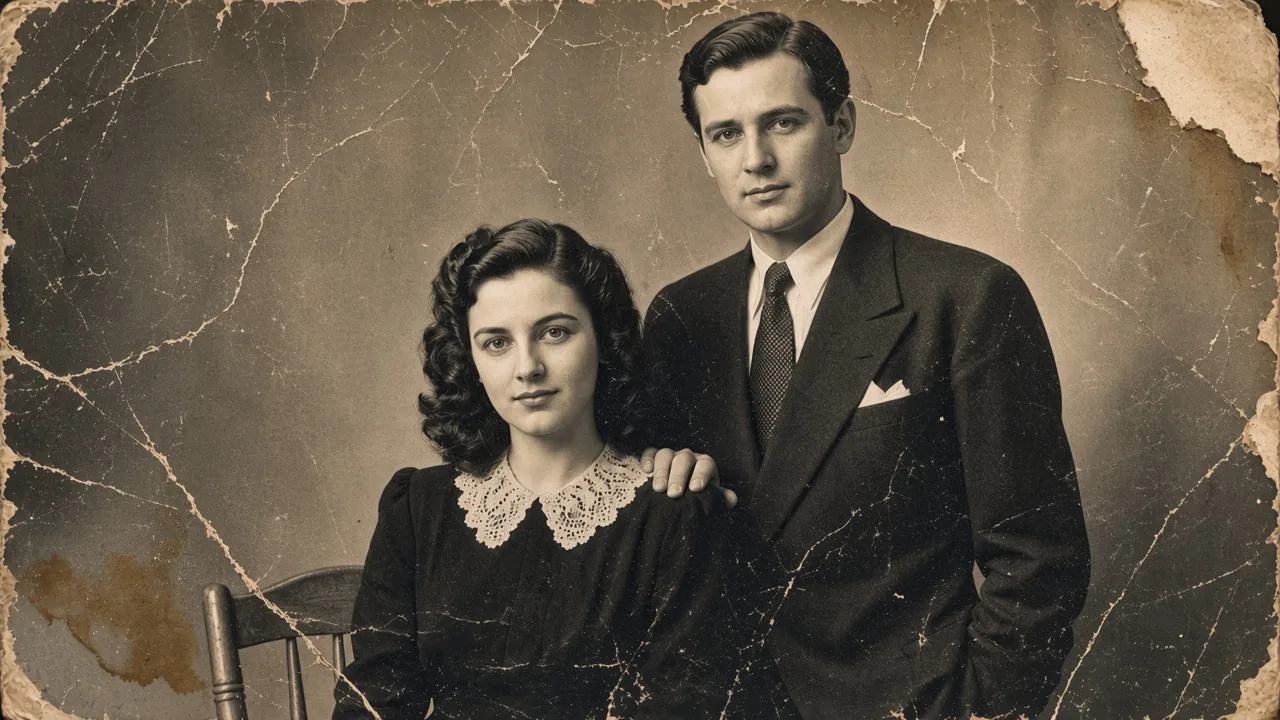
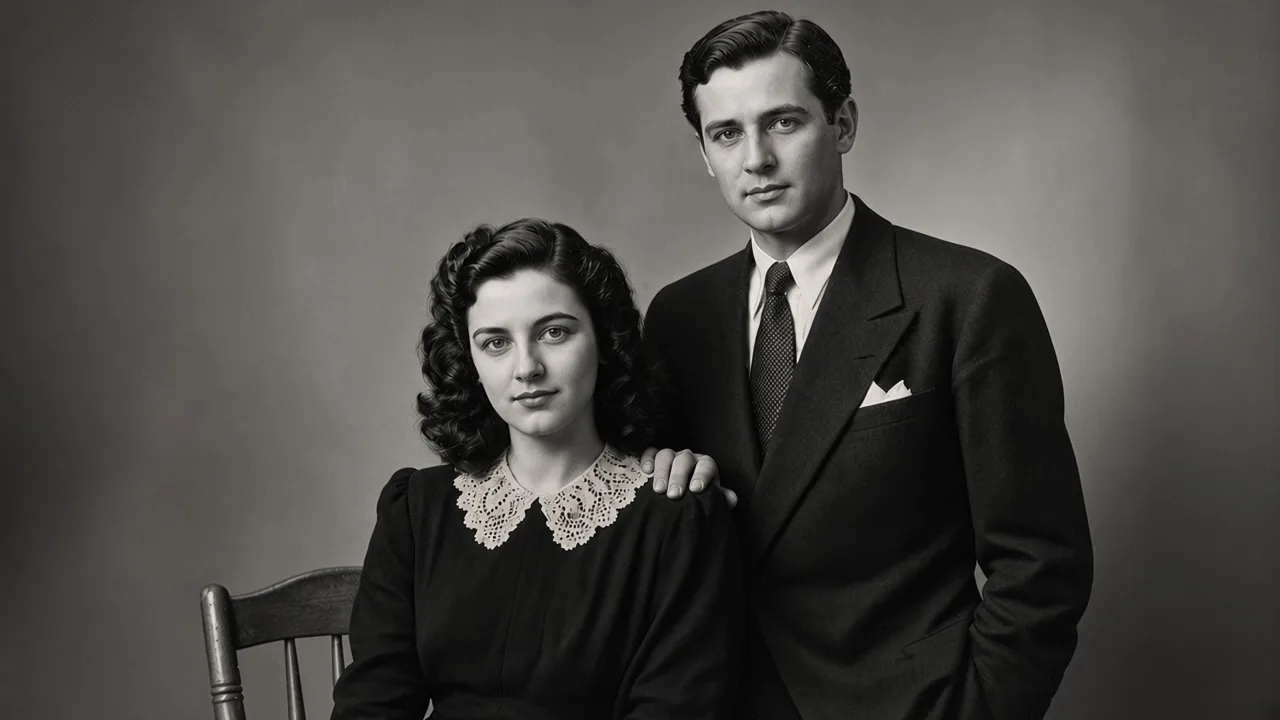 BeforeAfter
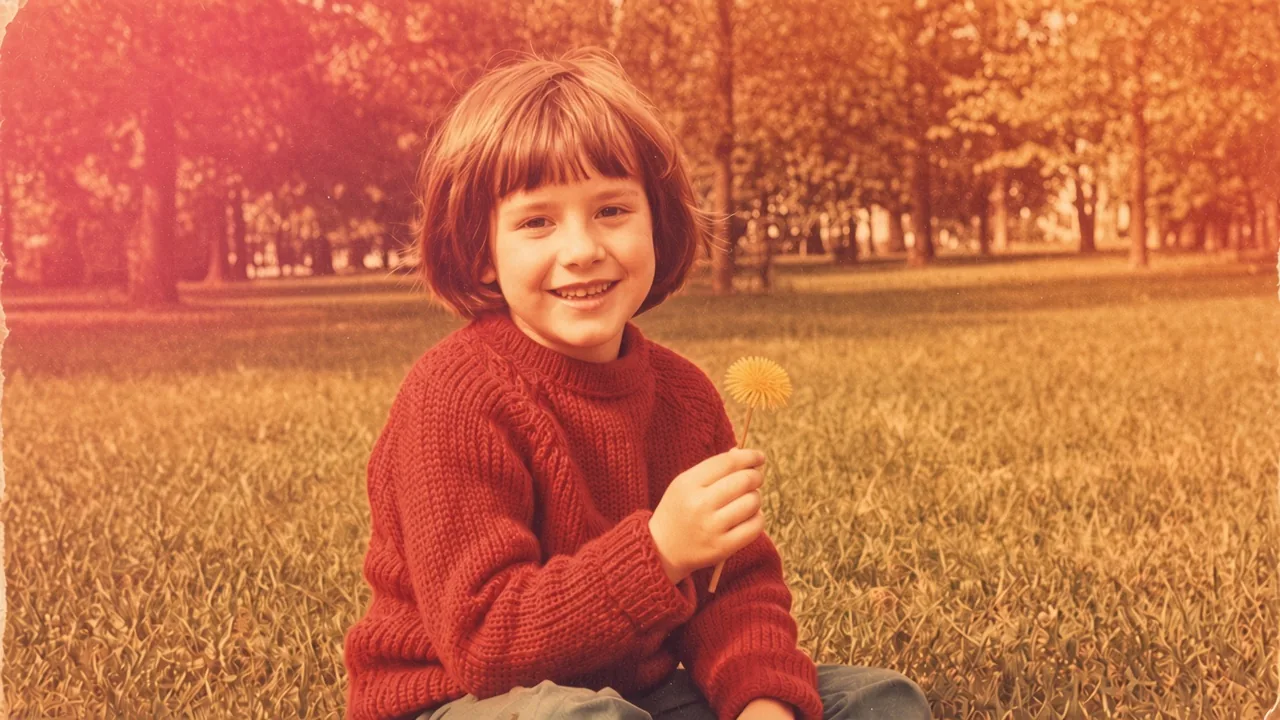
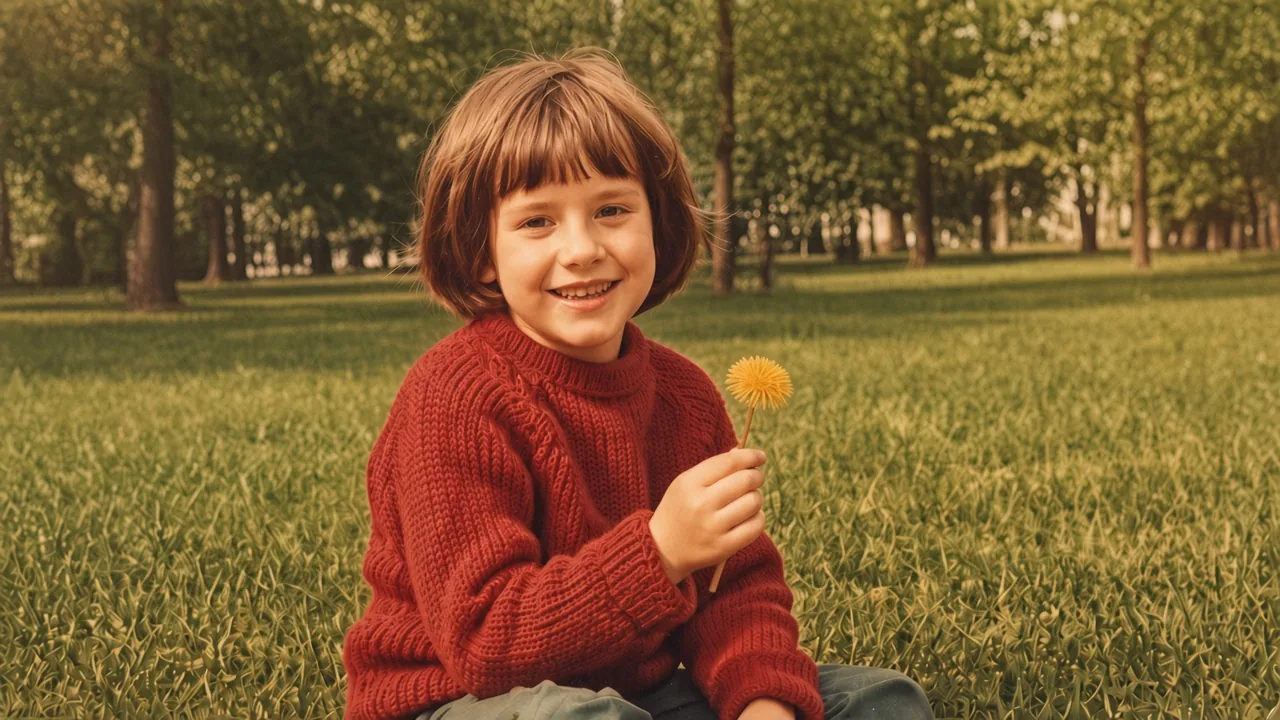 BeforeAfter
How does AI photo restoration work?
A restoration model is not a sharpening filter. It has to decide what is damage, what is content, and what is missing.
Damage detection
Scratches and creases are separated from faces, clothing and background, then rebuilt from the surrounding texture.
Learned reconstruction
Missing or degraded areas are filled from patterns learned from archival photographs. The result is plausible, not a recovered original.
Identity preservation
Faces are constrained to the original features and proportions. The model is instructed not to beautify, slim or de-age.
AI vs Photoshop vs Professional Restorer
The right choice depends on what you need the file for.
| AI restoration (this tool) | Photoshop / manual retouching | Professional restorer | |
|---|---|---|---|
| Time | Seconds | 30 minutes to several hours | Days to weeks |
| Cost | 10 welcome credits, then plans from $9.99 | Your time, or a freelancer's rate | $50–$300 per photo |
| Best for | Family albums, gifts, social posts | Images you can retouch by hand | Publication, museum, genealogy |
| Limits | Cannot recover detail that is not in the scan | Depends on the retoucher's skill | Cost and turnaround; still limited by the source |
When is AI restoration not enough?
AI restoration works from what is visible in the scan plus general learned structure. It cannot recover a face that was burned away, a document that was cut out of the print, or a detail that was never captured. For publication, museum or legal use, keep the original scan and treat the restored file as a derivative.
AI photo restoration FAQ
How is AI photo restoration different from a manual restoration service?
Manual restoration is researched — a restorer knows what a 1940s uniform looked like, checks records, and repaints by hand. AI restoration reconstructs from what is visible in your scan plus patterns learned from archival photographs. AI is faster and much cheaper; manual is more faithful on anything historically specific.
How badly damaged can a photo be and still be restored?
If the subject is still recognisable, the tool can usually produce a presentable image. As damage crosses from covering content to destroying it — burned areas, cut-out faces, mould-eaten emulsion — the output becomes an interpretation rather than a recovery. Check those before printing.
Can it add a person missing from the photo, or restore a face that is cut off?
No, and we do not offer it. Everything in a restoration comes from the file you upload plus general learned structure. Reconstructing a specific person's face from nothing would be fabrication — that work belongs to a commissioned artist working from other photos of that person.
Is the result good enough to print, or to use in an archive?
For family printing, usually yes — download at the highest resolution you need and check the faces and text before printing. For archive or publication, no: an AI restoration is a derivative, not a record. Keep the original scan untouched and label the restored file as restored.
Does it work on photos that have already been restored or retouched?
It works, but stacking restorations compounds artefacts — each pass slightly smooths grain, and after two or three the photo looks polished and dead. Always go back to the original scan rather than restoring a restored file.
Related tools
Related guides
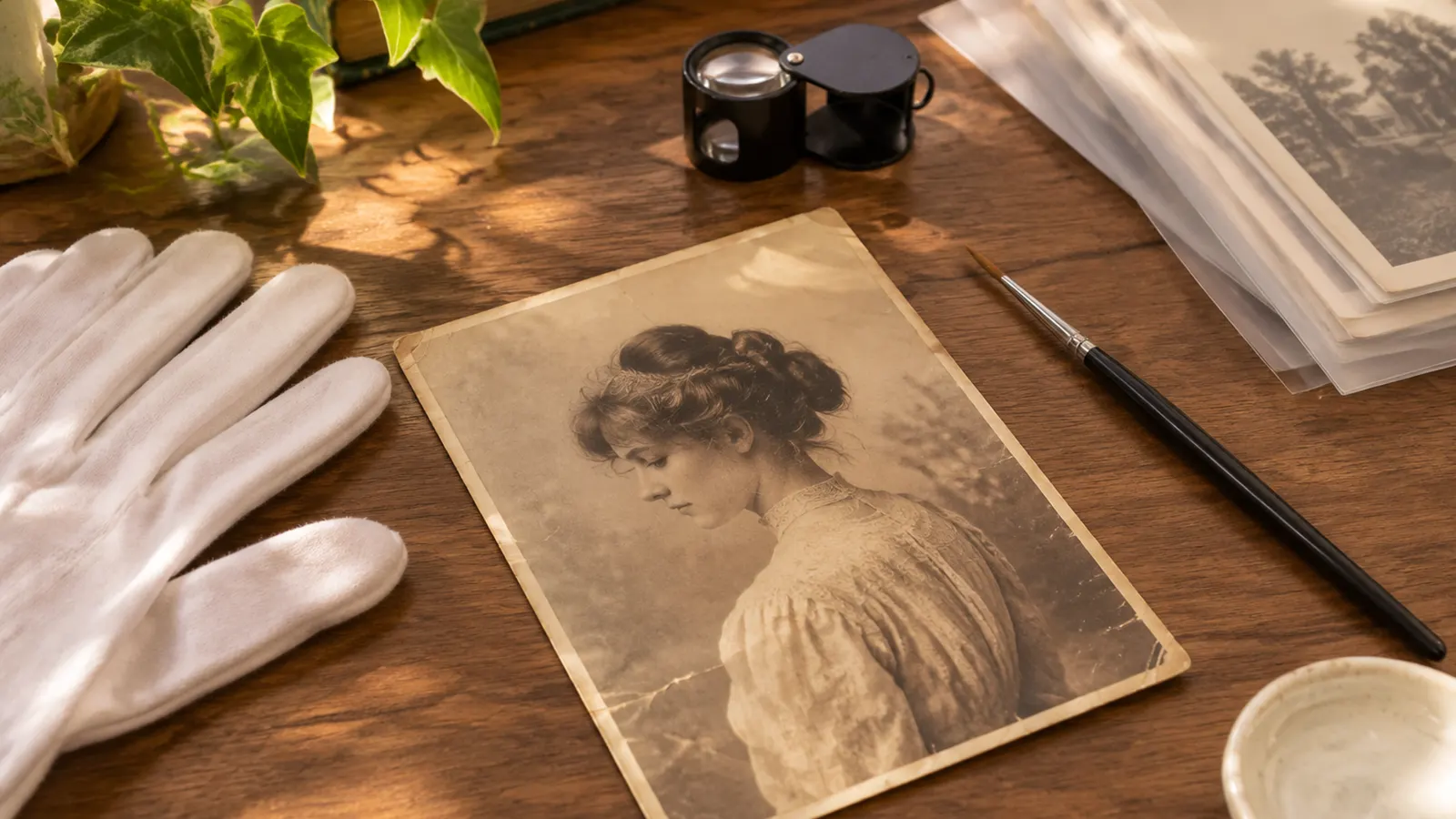
AI Photo Restoration vs Manual Restoration: Cost, Time and Accuracy
AI vs manual photo restoration: what each does well, what it costs, how long it takes, and when to choose one over the other.
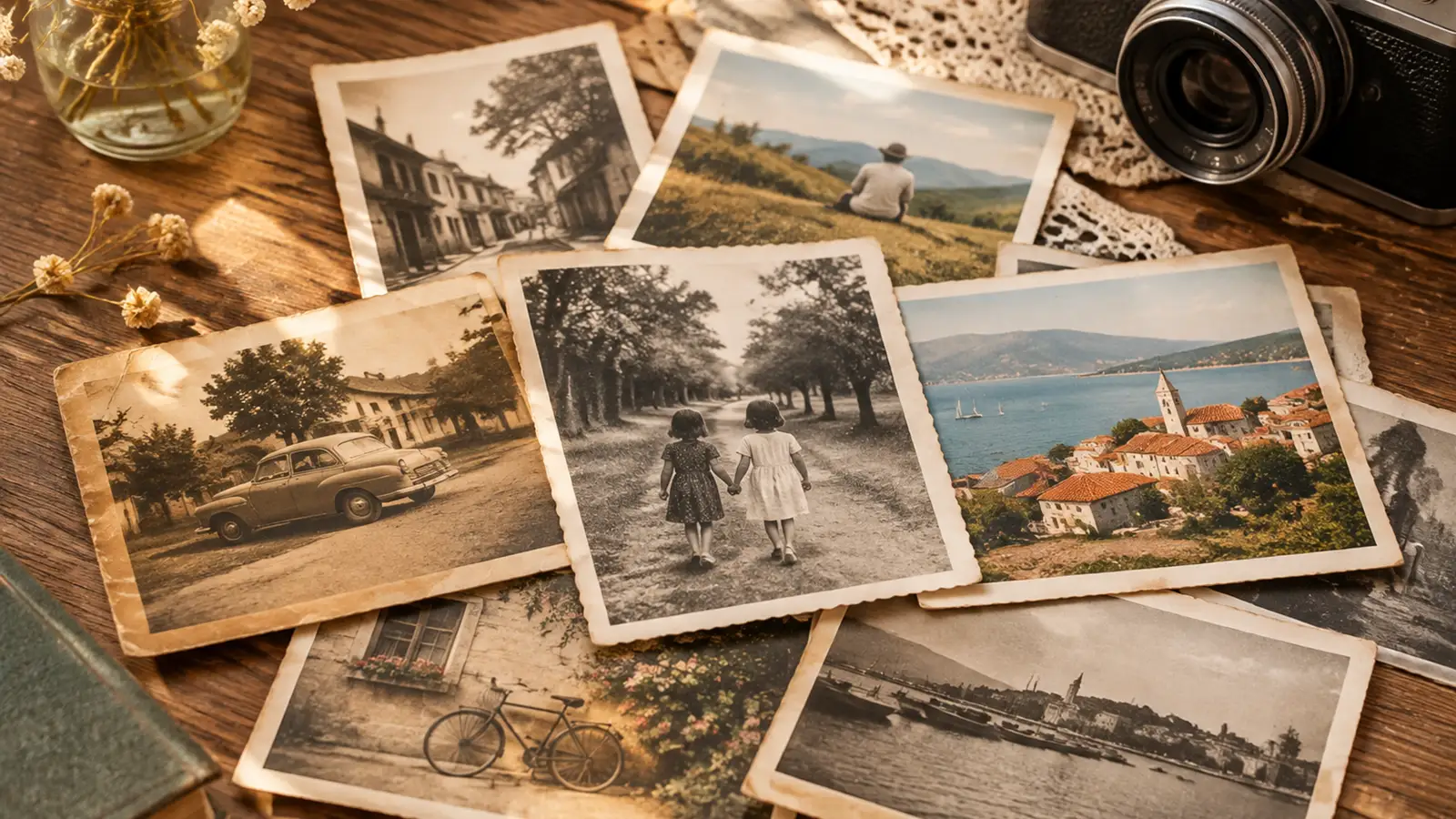
Vintage Photo Restoration Guide: What to Expect by Decade
How photographs from the 1920s to the 1980s age differently, what damage is typical for each era, and what a restoration can and cannot recover.
See exactly what each plan includes, or buy a one-time credit pack.
Compare plans and credit packs