
AI old photo restoration
AI Old Photo Restoration Online
Repair scratches, fading and blur in seconds — then bring black-and-white photos back to color. Create an account and get 10 welcome credits to start. No card required.
10 welcome credits · No credit card · JPG, PNG or WEBP up to 5 MB
Your photos stay in your account and are never used to train models.See how we handle your files →
What does AI photo restoration actually fix?
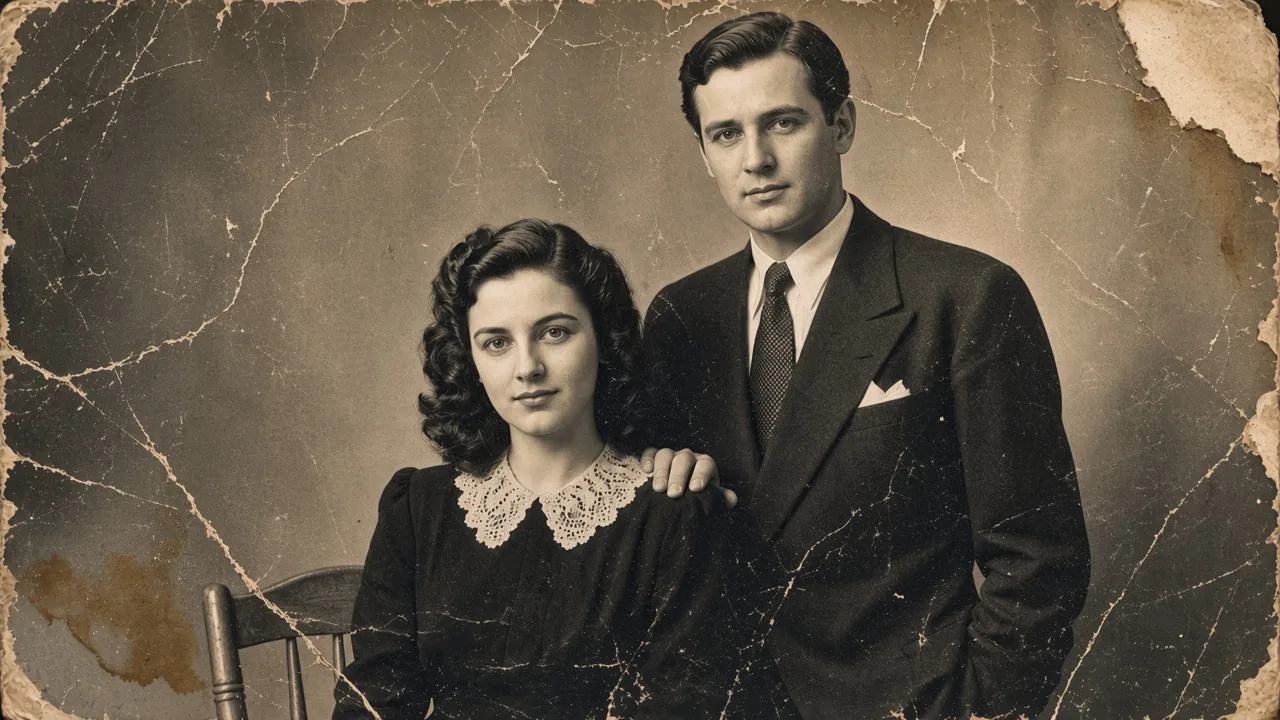
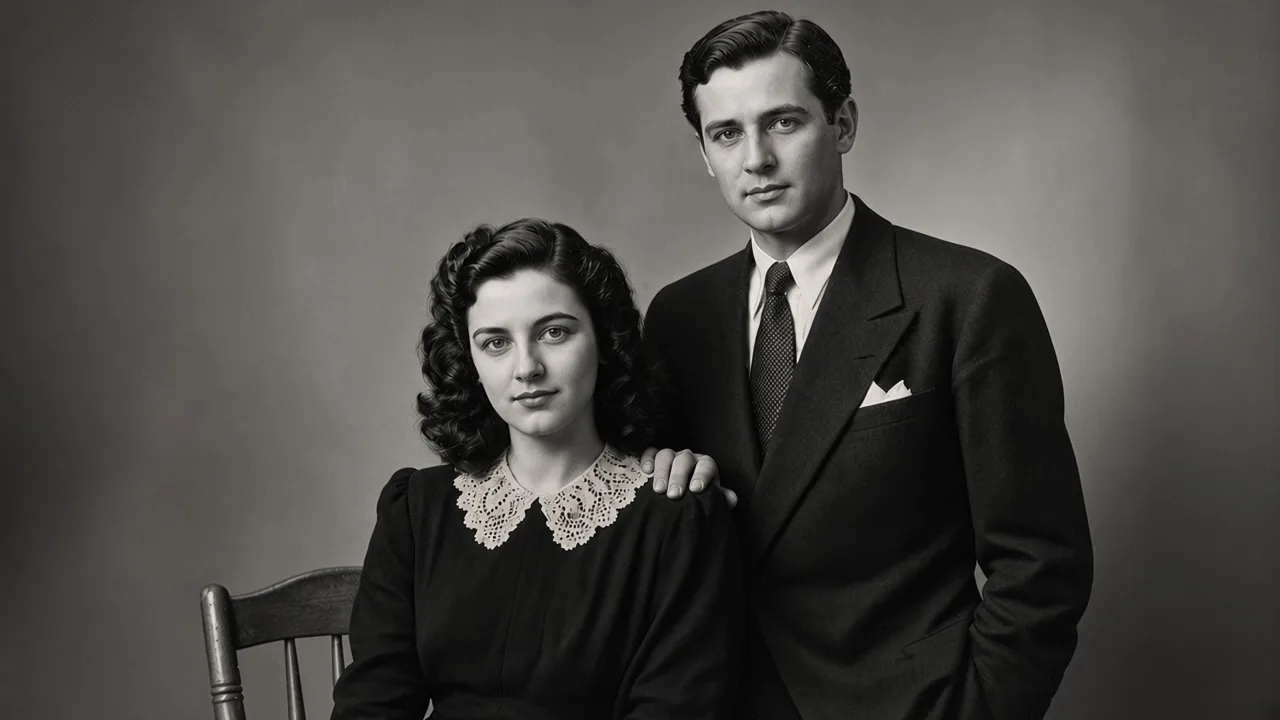
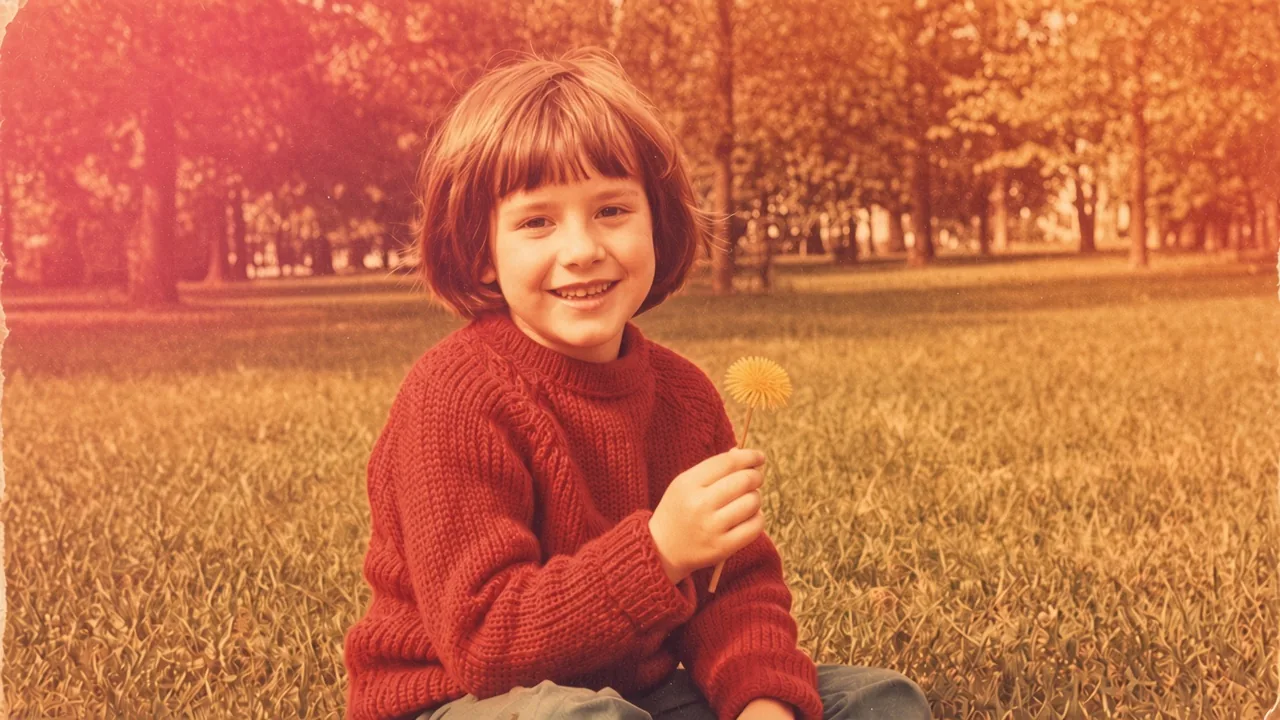
Drag each slider to compare the original scan with the restored result. Every pair comes from the same upload and the same processing run.
 BeforeAfter
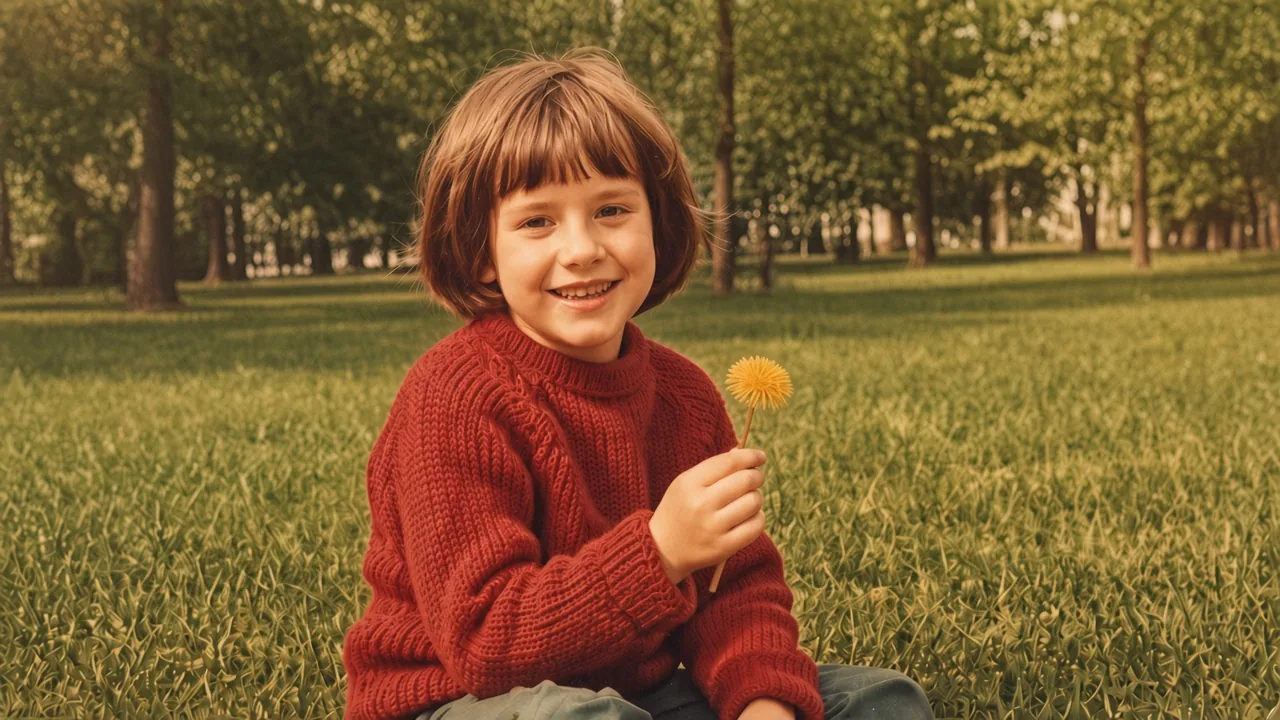 BeforeAfter
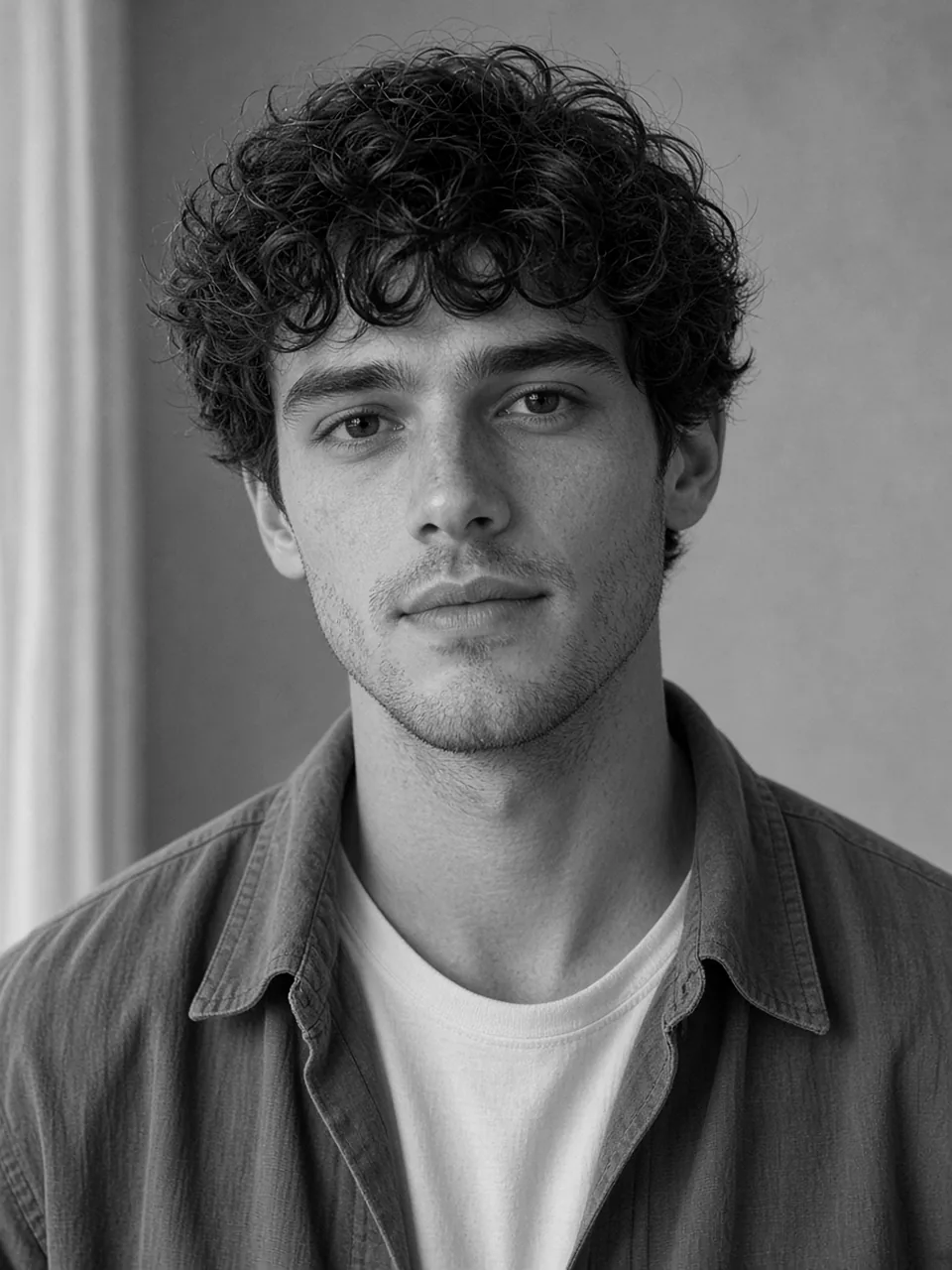
 BeforeAfter
What the AI can do
What Our AI Fixes
Four focused tools, one restoration engine. Pick the one that matches the damage instead of running everything and hoping.
Scratches, Tears & Stains
Paper damage is masked out and rebuilt from the surrounding texture, so the detail underneath survives.
Open the toolBlur & Soft Focus
Recover edges and faces that lost definition in the scan or the original shot.
Open the toolBlack & White → Color
Natural skin tones and period-appropriate clothing colours, with focus and tone controls.
Open the toolDamaged Across the Whole Frame
Full-frame reconstruction for badly degraded prints where damage covers most of the image.
Open the toolHow does OldPhotosLab restore a photo?
One upload, one prompt-free flow. No software to install and no model settings to learn.
- 01
Upload a photo
A scan, a phone shot or a digital file. JPG, PNG and WEBP up to 5 MB. Sign in first — it takes a minute and unlocks your 10 welcome credits.
- 02
AI restores it
Damage repair, sharpening and colorization are separate passes. Turn color on, or leave it off for a clean black-and-white result.
- 03
Download the result
Clean file, no watermark. The result is saved in your account so you can come back to it later.
Restore Old Photos in Any Condition
Most failures fall into three groups. They need different treatment, which is why one generic filter never looks right.
Physical damage
Cracks, creases, tears and water stains are the easiest failures to fix and the hardest to fake. The model separates paper damage from image content, so a scratch across a face is rebuilt as skin rather than smeared into a grey line.
Chemical decay
Silver-based prints lose contrast and yellow from the edges inward; colour prints lose one dye layer first and shift green or magenta. Both are corrected from the scan's own brightness distribution, so the result stays your photograph instead of turning into a painting.
Optical problems
Soft focus, motion blur and low-resolution scans all look like damage but need different treatment. Sharpening a blurred face and reconstructing a missing one are separate models, and choosing the wrong one is the most common reason a restored photo looks fake.
Start With 10 Welcome Credits
New accounts get 10 welcome credits once. Buy a plan or credit pack when you need more; there is no recurring free allowance.
| Feature | Welcome | Paid plans |
|---|---|---|
| Credits | 10 credits once | Plan or pack credits |
| Watermark | None | None |
| Output resolution | 1K, 2K or 4K (credits vary) | 1K, 2K or 4K (credits vary) |
| History | Saved in your account | Saved in your account |
| Commercial use | Personal use | Commercial license |
| Billing | No card required | Monthly or yearly, cancel anytime |
Welcome credits expire 365 days after signup. Cancel a plan from Billing at any time.
See plans and credit packsPlans and credit packs
Start with 10 welcome credits, then buy a one-time pack or subscribe monthly/yearly. Every plan uses the same tools, 1K–4K output and no watermark.
Lite
For occasional family-photo projects
- 20,400 credits / year
- All restoration models included
- Saved history and re-downloads
- Commercial use license
Pro
For regular restoration and colorization
- 40,800 credits / year
- All restoration models included
- Saved history and re-downloads
- Commercial use license
Ultra
For large albums and the highest volume
- 81,600 credits / year
- All restoration models included
- Saved history and re-downloads
- Commercial use license
A 1K restoration costs 10 credits, 2K costs 20 and 4K costs 30. No subscription is required: buy a one-time credit pack, or subscribe only if you want a larger monthly allowance. New accounts get 10 welcome credits once.
Monthly: Lite $9.99, Pro $19.99, Ultra $39.99. Yearly: Lite $95.90, Pro $191.90, Ultra $383.90. One-time packs: $9.99 for 1,700 credits, $49.99 for 8,500, $99.99 for 17,000.
Built for Family Archives
The photos people actually want back are rarely single portraits. They are shoeboxes, albums and envelopes of prints.
A shoebox of family photos
Work through a few photos at a time. Each result is saved, so an album can be finished across several evenings.
Weddings and portraits
Face detail is what people check first. Frontal, evenly lit originals restore best — avoid flash and glare when rephotographing a print.
Genealogy and local history
Uniforms, signage and buildings are the least reliable automatic colours. Use the focus and tone controls to move a result closer to a documented source.
Memorial and gift prints
Download a clean file and print it yourself, or keep the digital version as the family copy.
Frequently Asked Questions
The practical answers: what it can fix, what it cannot, and what happens to your files.
What kinds of damage can it fix?
Scratches, creases, tears, dust, stains, fading, colour casts and soft focus. It works on the image file, not the physical paper, so the source needs to be a scan or a photo of the print. Detail that was never captured cannot be recovered — rescan at 300–600 dpi if you still have the original.
Will it work on photos taken with a phone?
Yes, as long as the print fills the frame and the lighting is even. Avoid flash and reflections from glossy paper; those become part of the scan and are hard to separate from real damage.
Do you store my photos?
Uploads and results are stored in your account so you can download them again. We do not use customer photos to train models. You can delete creations from your workspace, and our privacy policy explains the processors involved.
What formats and sizes are supported?
JPG, PNG and WEBP up to 5 MB per image. You can choose 1K, 2K or 4K output: 1K costs 10 credits, 2K costs 20 and 4K costs 30.
Do I need an account?
Yes. Create an account and you get 10 welcome credits once. No credit card is required.
What if I only need colorization?
Use the photo colorizer directly. It skips the repair pass and focuses on skin, clothing and background colour.
From the blog
Product updates, guides, and engineering notes from the team.
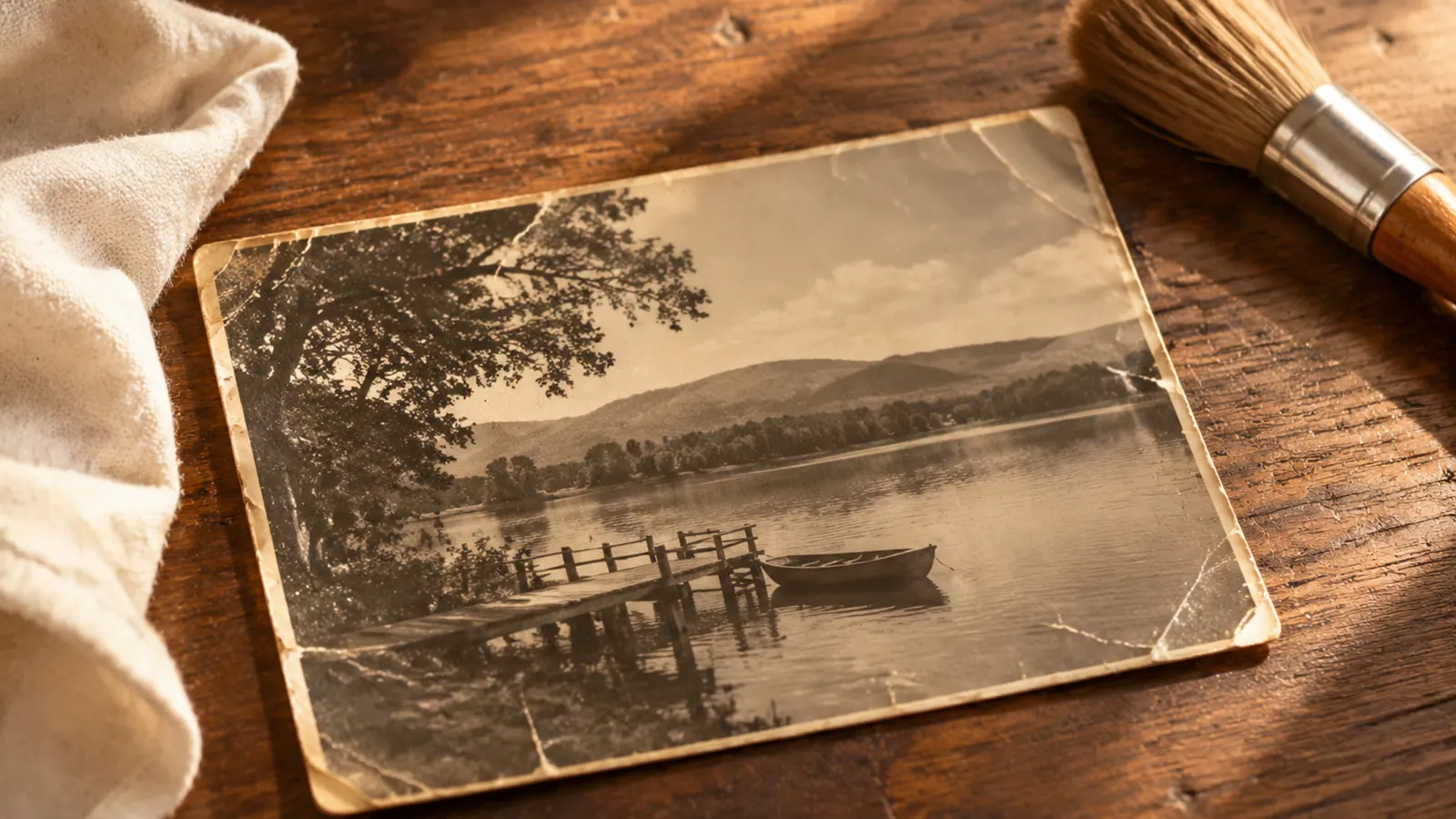
How to Remove Scratches from Old Photos (Without Smearing Detail)
A practical guide to removing scratches, creases and dust from scanned prints: what to fix by hand, what AI repair does, and when damage is beyond saving.
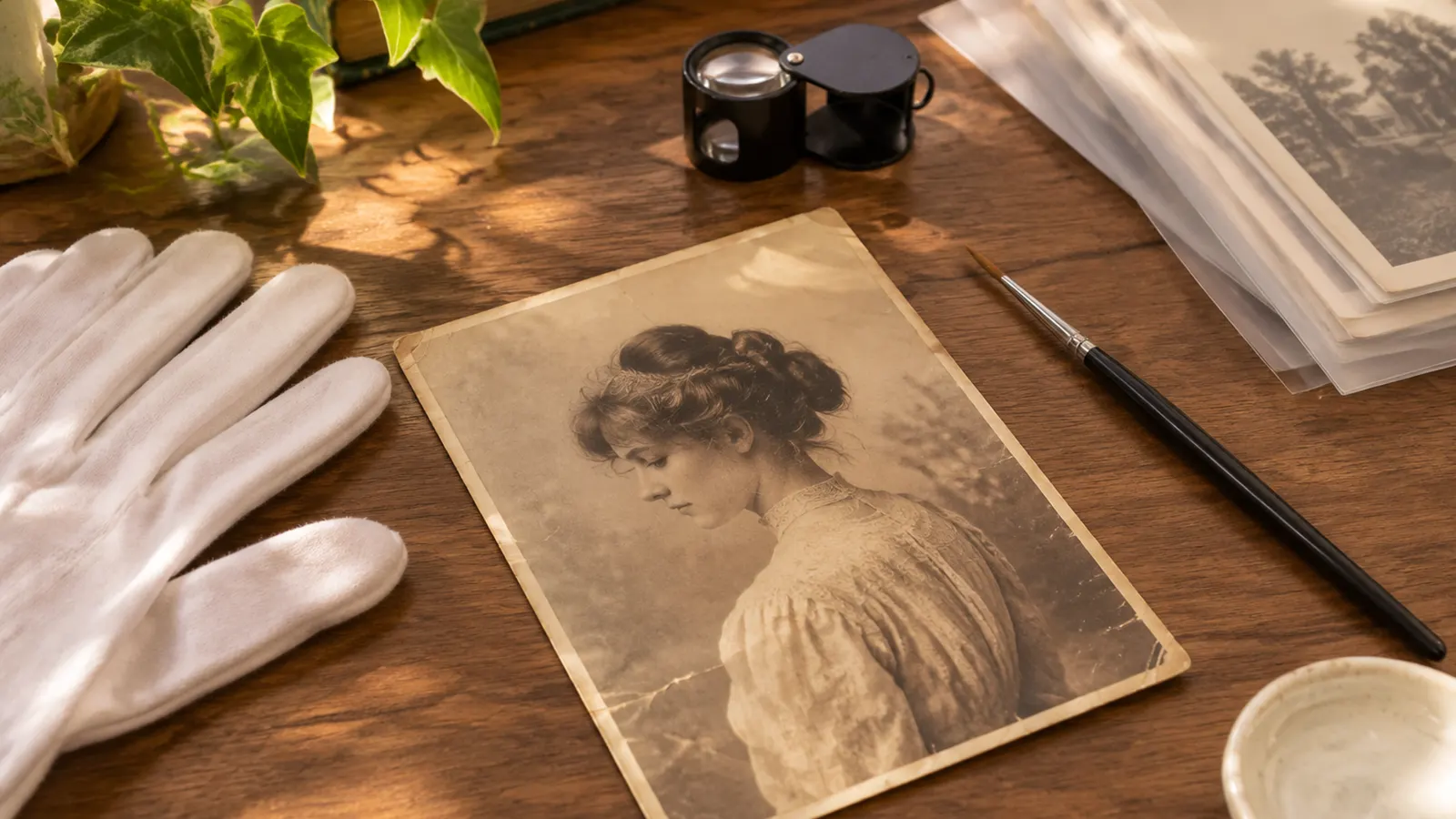
AI Photo Restoration vs Manual Restoration: Cost, Time and Accuracy
AI vs manual photo restoration: what each does well, what it costs, how long it takes, and when to choose one over the other.
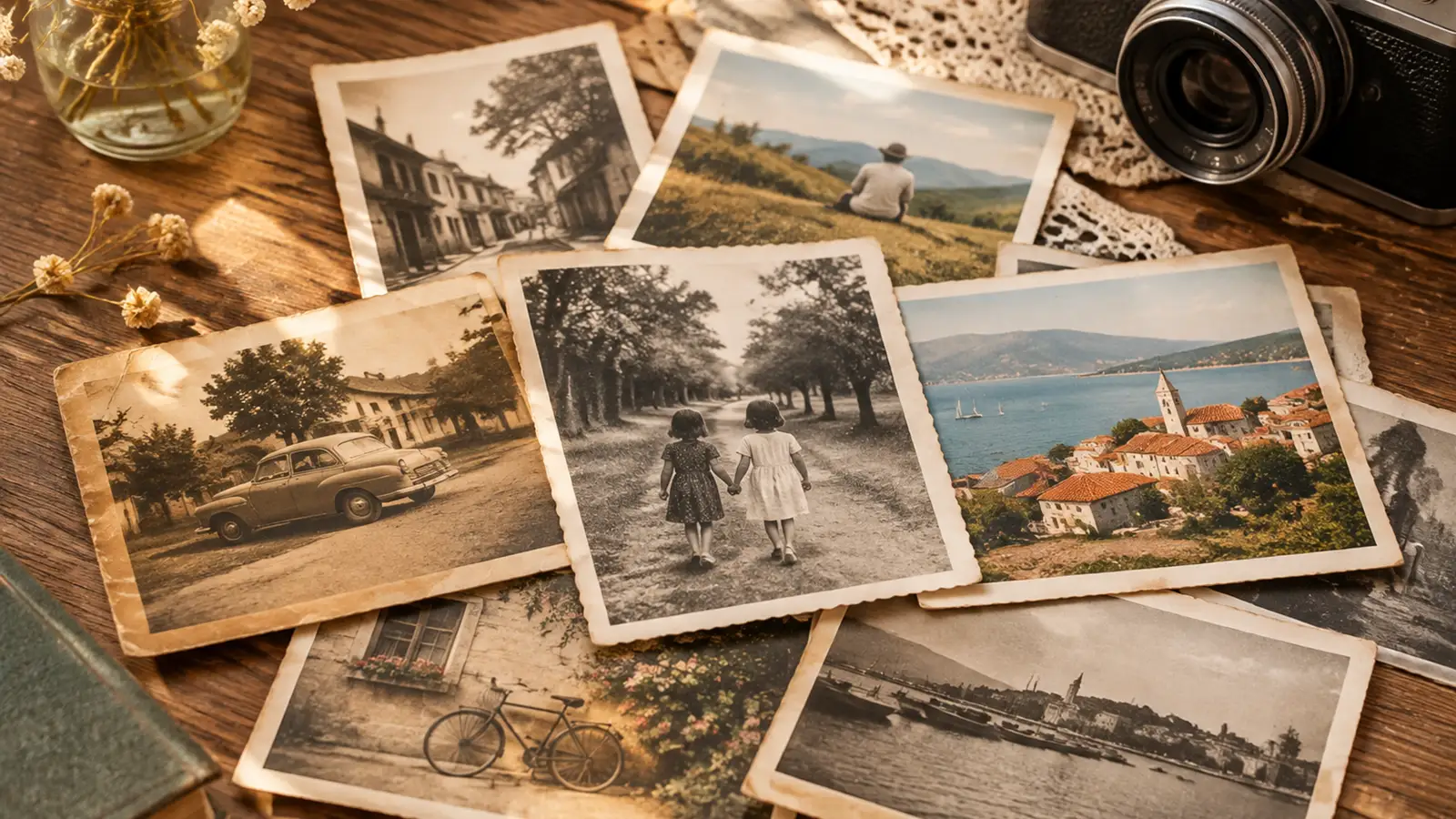
Vintage Photo Restoration Guide: What to Expect by Decade
How photographs from the 1920s to the 1980s age differently, what damage is typical for each era, and what a restoration can and cannot recover.