
AI Photo Restoration vs Manual Restoration: Cost, Time and Accuracy
AI vs manual photo restoration: what each does well, what it costs, how long it takes, and when to choose one over the other.
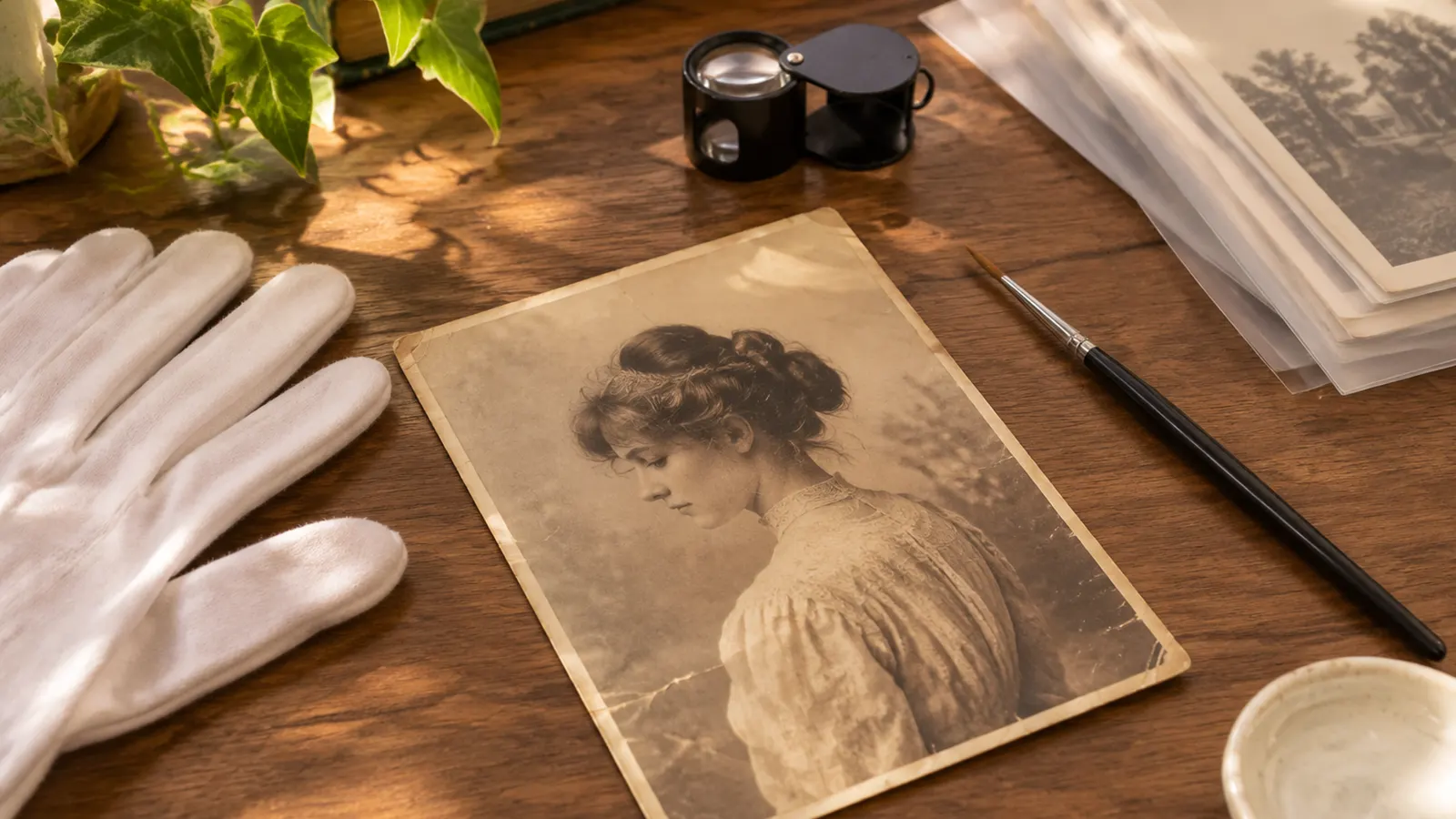
There are two ways to restore a damaged photograph: let a model reconstruct it, or commission a person to research and retouch it by hand. They are not interchangeable. One is fast and cheap and works from what is visible in the scan; the other is slow and expensive and can bring outside knowledge to the image.
This comparison is written from the perspective of someone with a family photo, not a museum archive. The answer is different for a shoebox of snapshots and for a single image that will be published.
What manual restoration actually is
A professional restorer works from a high-resolution scan and usually does three things:
- Repairs physical damage — scratches, tears, missing corners, mould stains — by cloning, healing and reconstructing texture by hand.
- Corrects tone and color — fading, color casts, contrast — often with adjustment layers rather than paint.
- Researches the specifics — uniform colors, insignia, signage, the likely color of a dress or a building — using records, other photos or the client's knowledge.
The research step is the part an AI model cannot do. It is also the part that makes manual restoration expensive.
What AI restoration actually is
An AI restoration model is trained on pairs of damaged and restored photographs. It learns what damage looks like and how to rebuild plausible texture around it. It works only from the file you upload plus general patterns learned from archival images.
That means:
- It is very good at removing scratches, dust, creases and fading.
- It is good at sharpening soft detail and reconstructing small faces, up to a point.
- It is weak at historically specific color — a uniform, a flag, a sign, a specific product.
- It cannot recover information that is not in the scan; it can only produce a plausible reconstruction.
The comparison
Time. AI: seconds to a couple of minutes per photo. Manual: often 30 minutes to several hours for a damaged portrait, and days to weeks if the restorer has to research and iterate with the client.
Cost. AI: 10 welcome credits for new accounts, then paid plans from about $9.99 or one-time credit packs. Manual: commonly $50–$300 per photo, more for publication or heavy reconstruction.
Accuracy. AI is strong on skin, clothing, sky and generic backgrounds. Manual is stronger on anything documented: a uniform, a medal, a shop sign, a house that still exists. A restorer can check a reference; a model cannot.
Corrections. AI is re-run with a different tone or focus; the correction applies to the whole image. Manual restoration is iterative and can be corrected region by region, usually over email.
Consistency across an album. AI palettes can drift between photos from different rolls. A restorer can match a set deliberately, at a higher cost.
When AI is enough
Use AI restoration when:
- the photo is for you, your family or a social post;
- the damage is physical (scratches, creases, tears, fading) rather than historically specific;
- you have a handful of photos, not a publication deadline;
- you want to see whether the damage is recoverable before spending more.
For most family albums, a good AI restoration is the right first attempt. It is also the right tool for testing whether a print is worth a manual commission.
When manual restoration is better
Commission a restorer when:
- the image will be published, exhibited or used in a legal or archival context;
- the correct color of a uniform, sign or object matters and can be documented;
- a face is missing or badly damaged and needs reconstruction from other photographs;
- you need a consistent set across an album;
- the print has sentimental or financial value that justifies the cost.
A restorer can also tell you when a photo is beyond restoration. That assessment is worth paying for before a large project.
A hybrid workflow that saves money
- Scan at 300–600 dpi in color mode. Keep the master file.
- Run AI repair first. See how much of the damage is recoverable.
- Colorize with a conservative tone. Do not over-saturate; a restorer can adjust later.
- Take the AI result and the original scan to a restorer if the historical details matter. The restorer starts from a cleaner file, which reduces the hours billed.
- Keep both files. The AI result is a derivative; the original scan is the record.
How to brief a restorer
If you go the manual route, send:
- the original scan, not a JPEG of an AI result;
- the specific questions you need answered (uniform color, missing corner, date);
- any other photos of the same person or event;
- the intended use (print size, publication, archive);
- a budget and a deadline.
A good restorer will tell you what can be documented and what will be an interpretation. That honesty is more valuable than a perfect-looking result.
Bottom line
AI restoration is the practical default for family photos: fast, cheap, and good at the damage that most prints have. Manual restoration is worth the cost when the image needs research, regional corrections, or a result that can be defended as accurate.
Try the AI route first on AI photo restoration, then decide whether the result is good enough or needs a professional. If the print is only scratched, start with old photo repair.
Related guides and pricing
Ready to try it? Compare plans and credit packs or open the AI photo restoration tool. Related guides: the vintage restoration guide and removing scratches without smearing detail.