
Unblur photo
Unblur Photo Online
Recover focus in photos that came out soft. The tool estimates the blur, rebuilds edge detail and leaves skin and background natural instead of uniformly crisp.
Image Upload
Try these examples
Aspect Ratio
Image Resolution
 GPT Image 2.5 Flare
10 welcome credits · No watermark · JPG, PNG or WEBP up to 5 MB
Your photos stay in your account and are never used to train models.See how we handle your files →
Before and after
Illustrative examples of the kind of result the unblur pass produces. Drag the handle to compare.
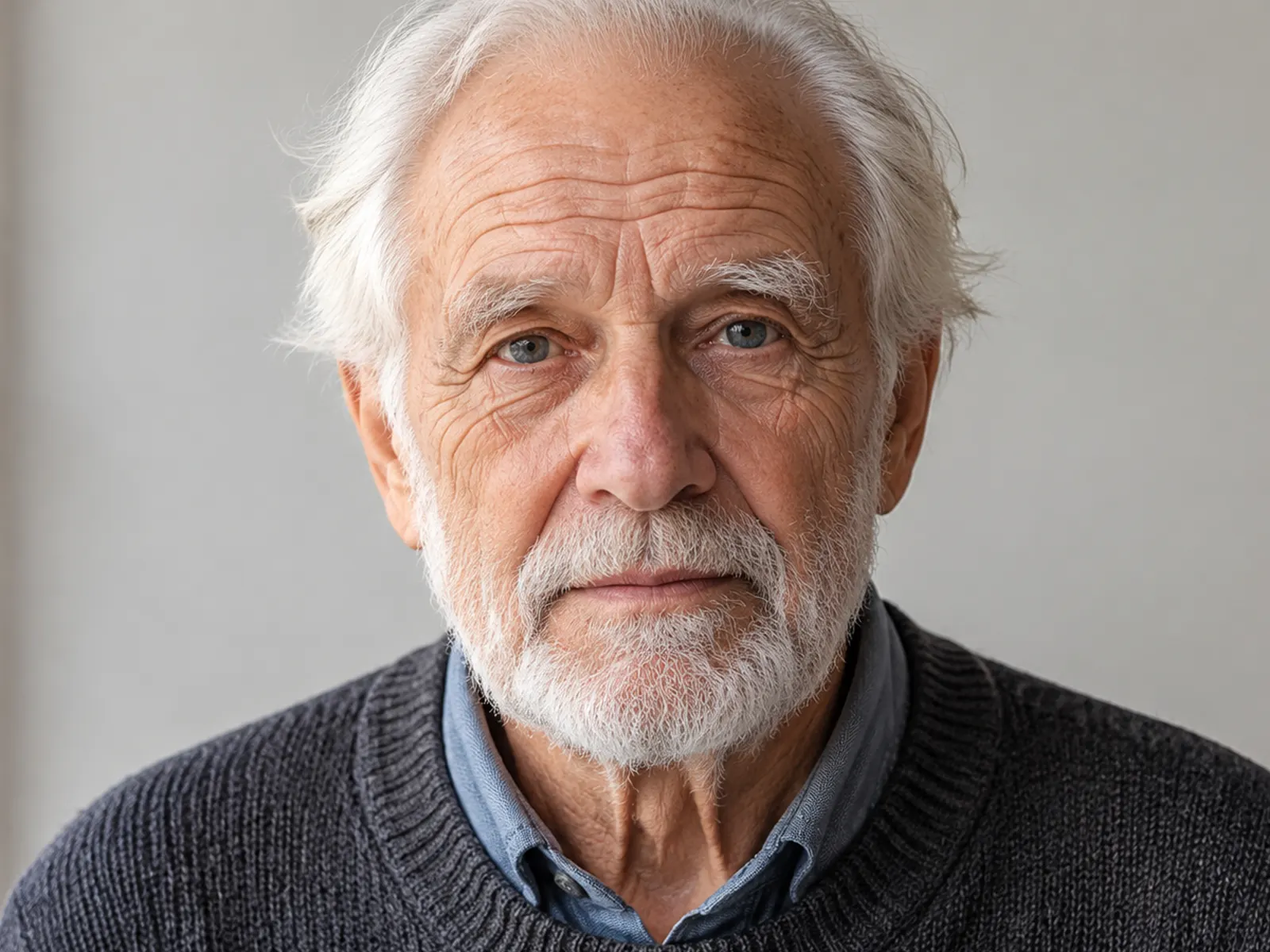 BeforeAfter

 BeforeAfter
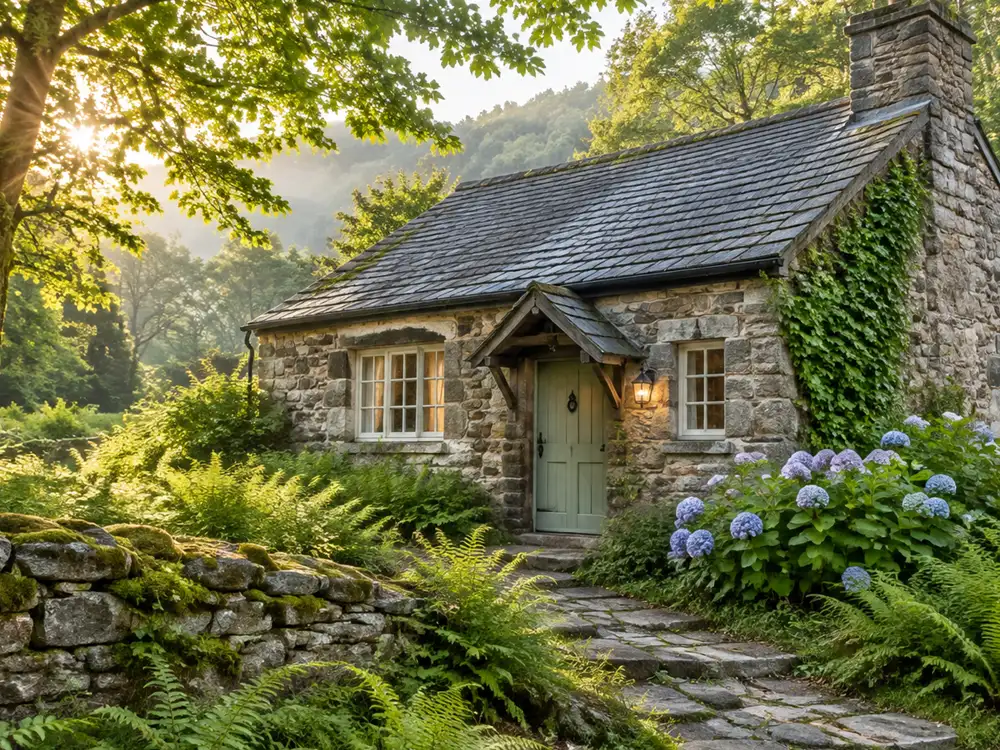 BeforeAfter
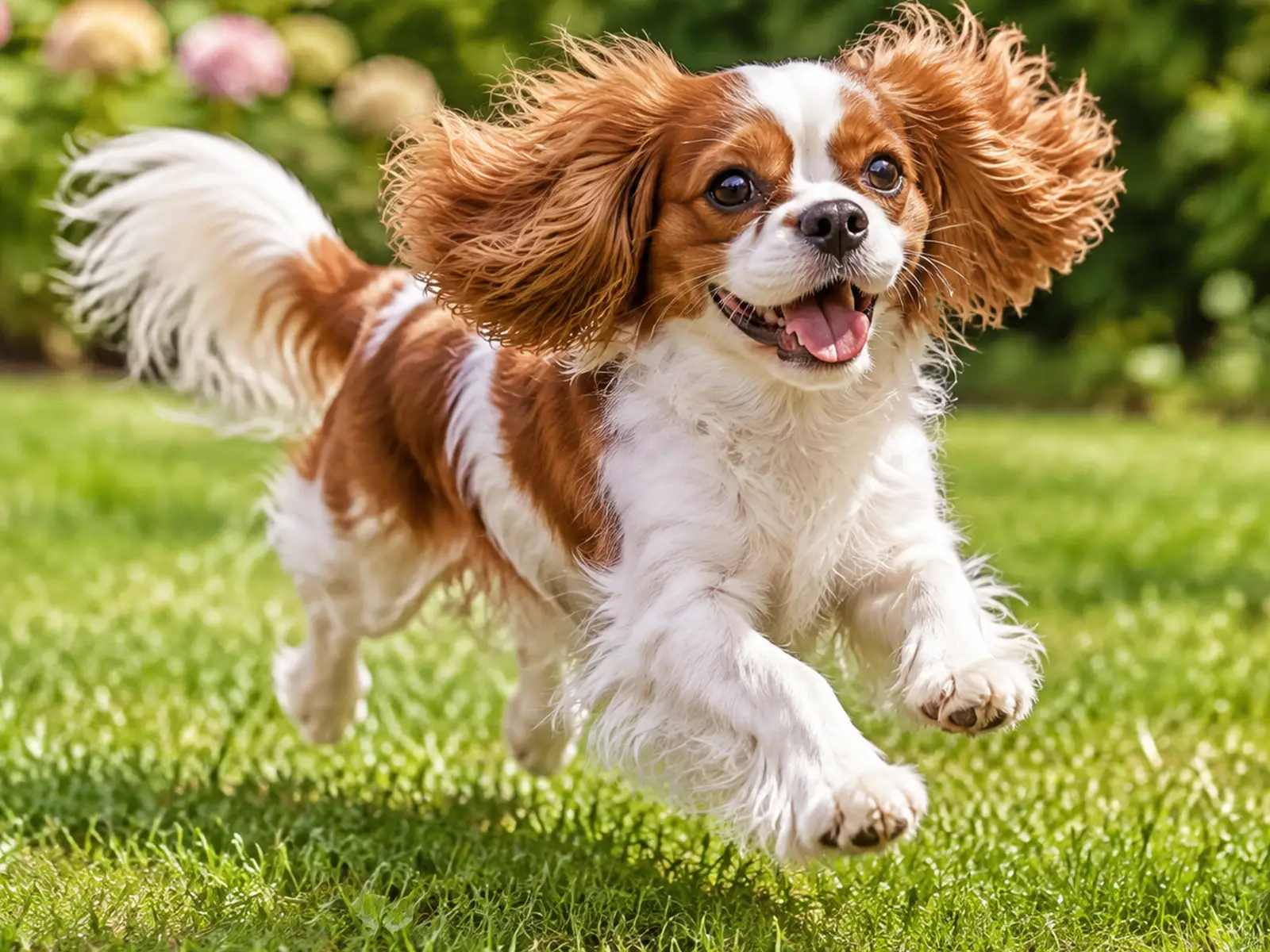 BeforeAfter
Unblur vs Upscale vs Restore — What's the Difference?
They look similar in a thumbnail and do different things to your file. Using the wrong one is why AI-sharpened photos sometimes look painted.
Unblur
Recovers edges and detail that are already in the file. The output keeps the same pixel dimensions.
Upscale
Adds pixels so a small image can be printed or displayed larger. It does not recover focus by itself.
Restore
Repairs damage, fading and missing areas. Use it when the problem is the print, not the focus.
What causes blur in old photos?
The fix depends on the cause. The model detects which one dominates, and you can override it if the result goes wrong.
Motion blur
The camera or subject moved during the exposure. It has a direction, and the model corrects along it.
Out-of-focus
The lens was focused in front of or behind the subject. The blur is uniform, so it is corrected by deconvolution plus reconstruction.
Low-resolution scan
There is little detail to recover. Sharpening helps the edges, but it cannot invent the grain that was never scanned.
JPEG and screenshot artefacts
Compression blocks and scaling are not optical blur. The tool cleans edges but will not invent detail that compression destroyed.
Unblur in three steps
No prompt to write: upload the photo and the fixed unblur prompt does the work.
- 01
Upload the blurry photo
JPG, PNG or WEBP up to 5 MB. Use the largest file you have; a screenshot of a photo has already lost most of the detail.
- 02
Run the unblur pass
The model estimates the blur direction and strength, then rebuilds edges while leaving skin and background slightly soft.
- 03
Compare at full size
Zoom into faces and text before you save. If the result looks over-sharpened, go back to the original and try again rather than stacking passes.
Unblur photo FAQ
Can AI really recover a blurry face?
Up to a point. Out-of-focus and motion blur can be estimated and partly reversed, and small faces can be reconstructed from learned structure. What comes back is plausible detail, not the original pixels — for a portrait that is usually enough; for a group shot where one person moved, expect the face to look like them rather than be them.
Does it treat motion blur and out-of-focus blur the same way?
No — they are different problems. Motion blur has a direction and is corrected along it; out-of-focus blur is uniform and is corrected by deconvolution plus reconstruction. The tool detects which one dominates, and you can override it if the result goes wrong.
Does unblurring also increase the resolution?
No. Unblurring recovers edges and detail that are already in the file. Adding pixels that were never there is a different operation, and using the wrong one is why AI-sharpened photos sometimes look painted.
Will the result look artificially sharp or over-processed?
It can, if the blur was severe. The default output is deliberately conservative: edges are recovered while skin and background are left slightly soft, because uniformly crisp skin is the giveaway of an over-processed photo.
Does it work better on old scans or on phone photos?
Both, for different reasons — motion blur on phone photos and soft-focus prints from film cameras are the two cases it handles best. The weak case is a photo that is both small and blurry: there is nothing left to recover, and the tool will smooth rather than restore.
Can it unblur a screenshot or a compressed JPEG?
Partially. JPEG artefacts and screenshot scaling are not optical blur; the tool cleans edges but will not invent detail that compression destroyed.
Related tools
Related guides
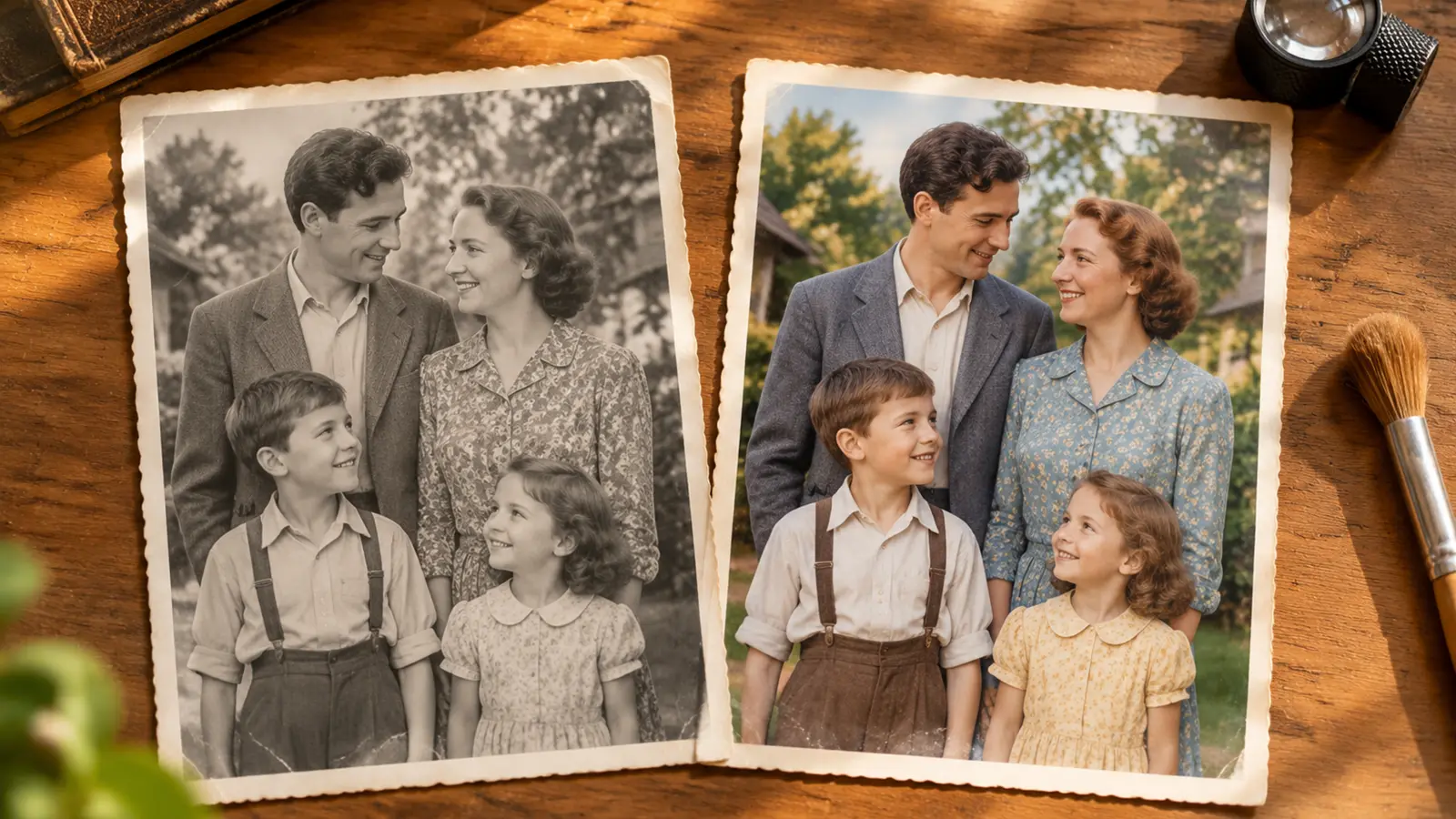
How to Colorize Black and White Photos (Without Plastic Skin)
A practical guide to colorizing old black-and-white photos: scan settings, repair order, focus/tone controls, and when automatic colour fails.
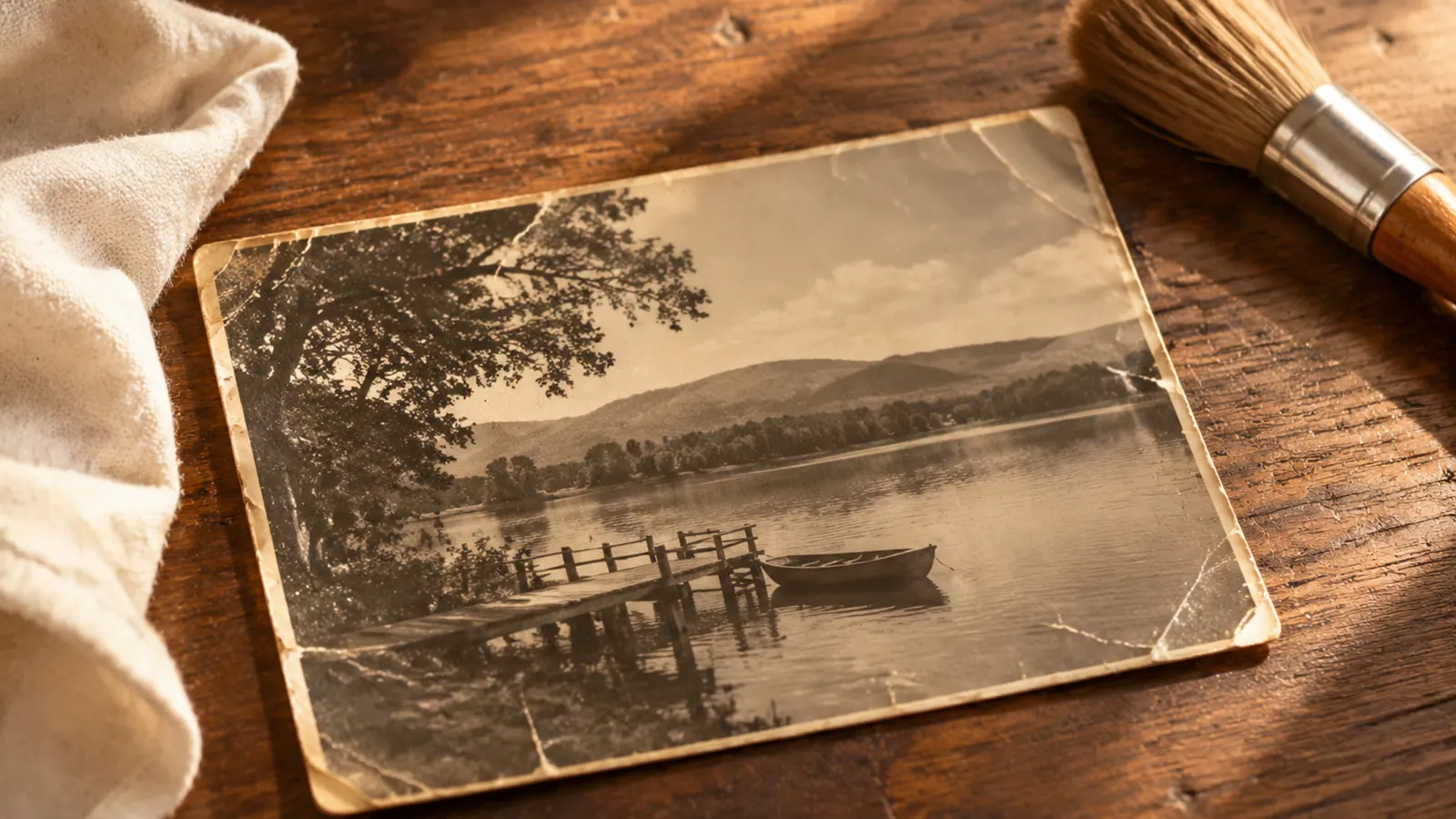
How to Remove Scratches from Old Photos (Without Smearing Detail)
A practical guide to removing scratches, creases and dust from scanned prints: what to fix by hand, what AI repair does, and when damage is beyond saving.
See exactly what each plan includes, or buy a one-time credit pack.
Compare plans and credit packs